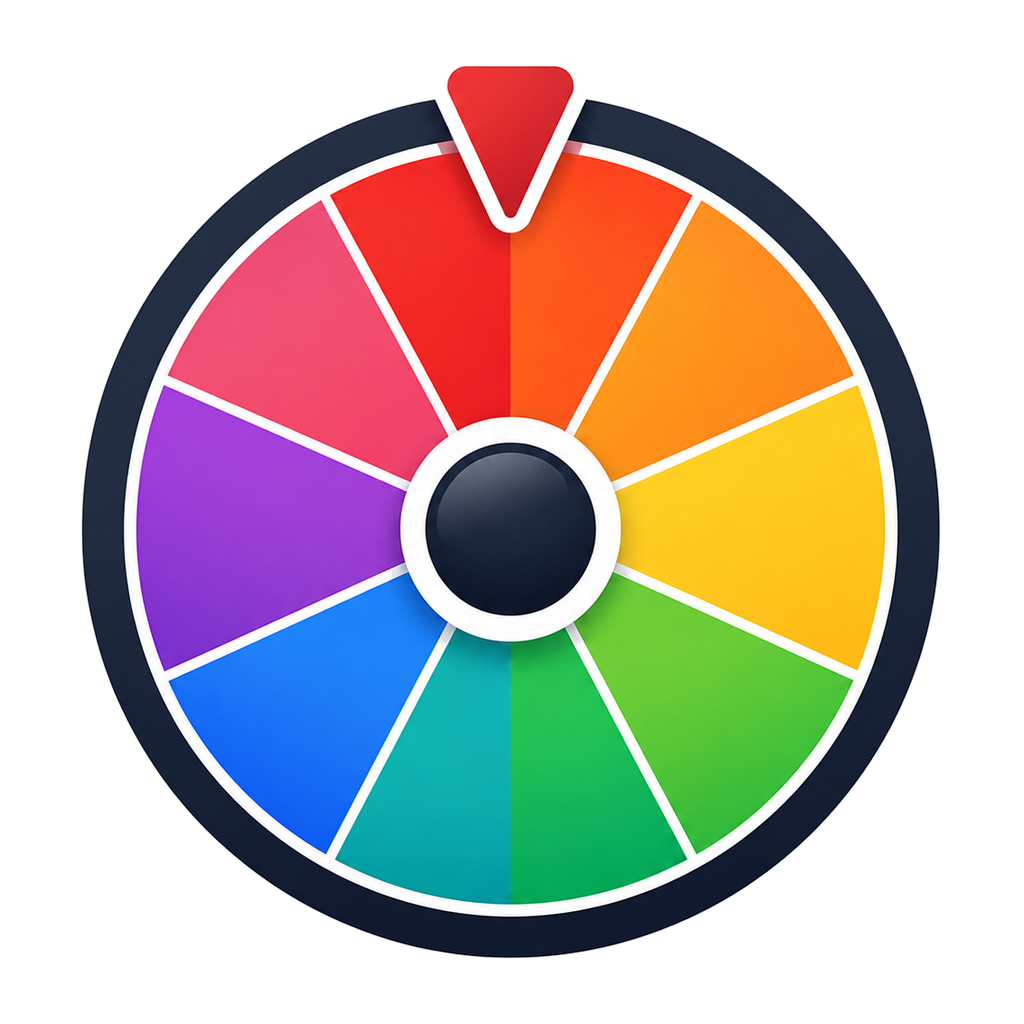
Number Wheel
Pick a random number from 1–10, or clear the list and add any numbers you like.
10 active entries · Click the center to spin
Press Space to spin · Enter to spin · Esc to close winner dialog
A random number picker you can see
The number wheel is loaded with 1 through 10 so you can spin straight away. To use a different range, clear the entries panel and paste your own numbers — one per line. A range of 1–50, a set of lottery numbers, jersey numbers, table numbers, or a scattered list like 3, 7, 12, 40 all work the same way. There is no upper limit that matters in practice; the labels simply get smaller as the list grows.
Worked example: drawing presentation order for 12 students
- Click Clear in the entries panel, then type or paste 1 to 12, one number per line. Each number stands for a student on your register, or a seat number if you are drawing seats.
- Open Customize and turn on Auto-remove winner on the Behavior tab. After each spin the winner dialog counts down for a few seconds (adjustable with the Delay slider), then removes that number and closes; closing the dialog early keeps the number on the wheel. After 12 spins everyone has a unique slot and nobody is drawn twice. For a one-off draw, you can instead click Remove from wheel in the winner dialog.
- Spin once per slot and write down the order as you go; the winner history also keeps a record in this browser.
If you leave repeats allowed. With auto-remove off, every number stays on the wheel and every spin is independent. Number 4 can come up twice in a row — that is normal randomness, not a fault. Keep repeats on for things like "pick a page to read" where the same answer twice is fine; turn them off whenever each number should be used once.
Unequal weights. Turning on Weights in the entries panel lets you give a number a whole-number weight. A number with weight 2 gets twice the slice, and twice the chance, of a number with weight 1. That suits a raffle where someone holds two tickets; it is the wrong choice for seat or presentation order, where every number should have the same chance, so leave all weights at 1 there.
Crowded labels. Beyond a few dozen numbers the slice labels get small and hard to read from the back of a room. The result dialog always shows the winning number clearly, so the draw stays readable — but for big ranges, splitting the draw into smaller groups (for example 1–30 on one spin session, 31–60 on the next) keeps the wheel itself legible on a projector.
Common use cases
Classroom number games. Teachers use it for times-table drills, bingo calls, page numbers to read from, and "whoever has number seven answers next". Because the spin happens on the projector, the class sees the draw rather than taking your word for it.
Lottery-style picks. Generate quick picks for an office pool or a family sweepstake without an app or a random number website that feels like a black box.
Assigning seats and slots. Hand out seat numbers, presentation order, locker numbers, or interview slots without anyone claiming the good ones were saved for favourites.
Sports drafts. Draw pick order for a fantasy league or a pickup tournament on camera, then remove each number as it is used so it can never come up twice.
Learn how WheelOurNames randomness works — the random source, unbiased selection, weighted probability and Draw Records, explained in full.
Frequently asked questions
Clear the entries panel and type your numbers, one per line. Any set works — 1 to 100, only even numbers, or an arbitrary list like 4, 8, 15, 16, 23, 42.
Yes, unless you remove it. Every spin is independent, so repeats are normal and expected. Turn on auto-remove in Customize, or click Remove from wheel in the winner dialog, to draw without replacement.
Yes. Each spin draws from crypto.getRandomValues, your browser's cryptographic random source, and the animation is purely cosmetic — the result is fixed the moment you spin.
As many as you need. Large lists still spin fine; the slice labels shrink to fit, so for very long lists consider splitting the draw into smaller groups if readability matters.
Related tools
Other WheelOurNames tools people use alongside this one.