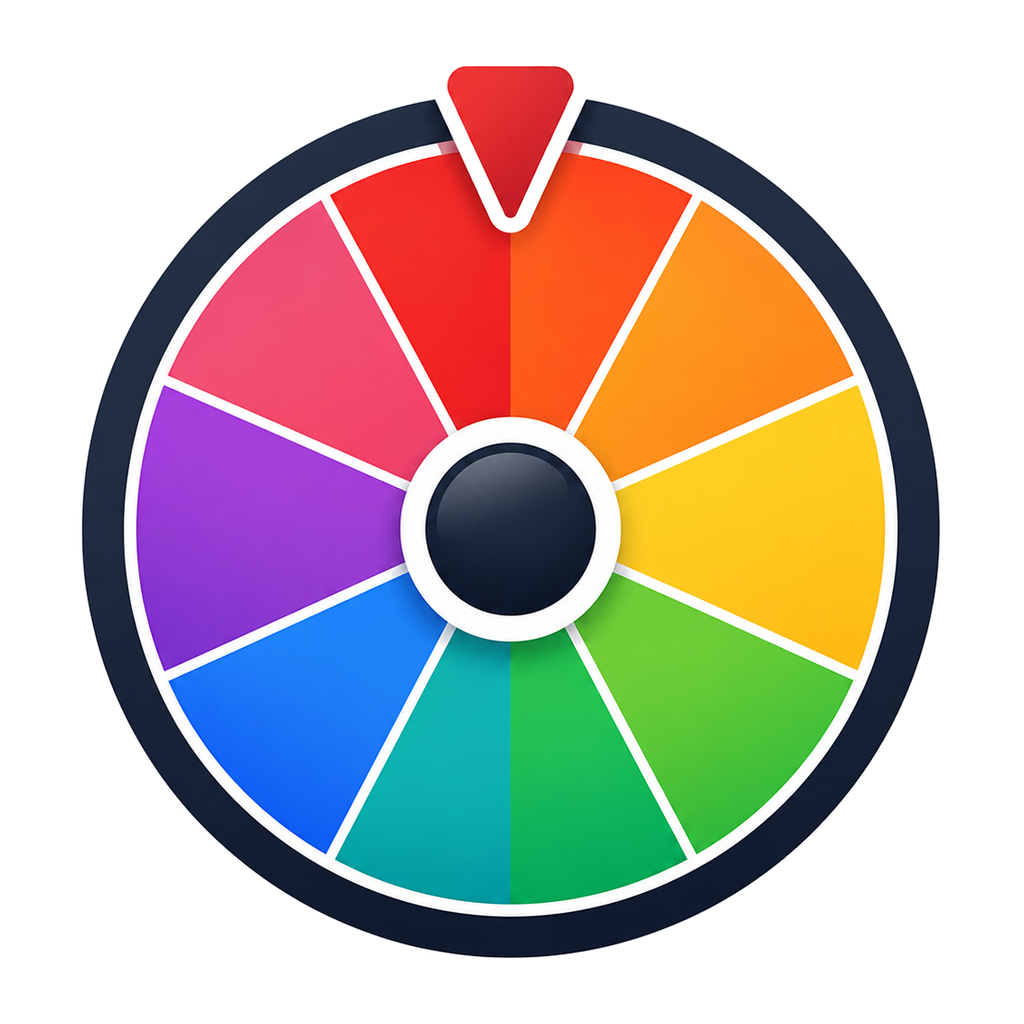
Random Color Generator
Spin a palette you control, or draw a completely random colour from the RGB space — with HEX and RGB values ready to copy.
Your colors
Each row is one slice on the wheel. The hex value is the colour — the swatch, the slice and the RGB reading all come from it.
- #E53935
- #FF7F50
- #FB8C00
- #FFB300
- #FDD835
- #C0CA33
- #43A047
- #00897B
- #00ACC1
- #1E88E5
- #3949AB
- #8E24AA
- #D81B60
- #F06292
- #6D4C41
- #546E7A
Each colour leaves the wheel once it has been drawn.
Result
Spin the wheel to draw a colour.
16 active entries · Click the center to spin
Two ways to pick a colour
Palette mode starts from a curated set of sixteen named colours that read well next to each other. Edit them freely: recolour a swatch, rename it, delete the ones you do not need, or paste in the hex codes from your own brand. Because the wheel is built from that list, whatever it lands on is a colour you already accepted — which is what you want when assigning colours to teams, chart series, sticky notes or classroom groups.
Generate mode ignores the wheel entirely and draws red, green and blue independently, so any of the 16.7 million sRGB colours can appear. Ask for one when you want a single surprise, or for a batch when you are exploring directions for a design. Anything you like can be pushed into the palette with one click and spun later.
HEX, RGB and readable labels
HEX is the canonical value here; the RGB triplet is derived from it, so the two are always consistent and either can be copied in one tap. Swatch labels pick light or dark text based on the colour's relative luminance, following the same contrast maths used by accessibility guidance, so the code stays readable on pale and dark colours alike. Need the values elsewhere? Export the palette or a generated batch as CSV.
Everything runs in your browser with no account. Your palette and mode are remembered in local storage on this device only. If you would rather draw names, numbers or letters, see the full tools list.
Frequently asked questions
Two ways. Palette mode spins a wheel made of the colours you keep in your list, so the result is always one you approved. Generate mode draws each of the red, green and blue channels independently from the full 16.7 million colour space.
Use palette mode when the answer has to stay on-brand or inside a set you already trust, such as team colours, chart series or a design system. Use generate mode when you want genuine surprise or a starting point for exploration.
Yes. Change any swatch with the colour picker, give it a name, remove one you do not want, or type a hex value to add a new colour. The wheel slices and their labels update from the same list, so they can never disagree.
Turn on no-repeat drawing in palette mode and each colour leaves the wheel once it has been picked, which is how you assign distinct colours to a set of teams, players or categories.
Every result shows its HEX and RGB values with one-tap copy buttons, and you can export the whole palette or a batch of generated colours as CSV.
Yes. Label text is switched between light and dark based on the swatch's relative luminance, so the value stays legible on both a pale yellow and a near-black.
Both modes use crypto.getRandomValues, the browser's cryptographic random source, with rejection sampling to avoid modulo bias. No colour is favoured.
Related tools
Other WheelOurNames tools people use alongside this one.